How do I change my password or email?
Open Settings. Password and email address each have their own section, and both require your current password before anything changes — so an unattended logged-in laptop cannot be used to take the account over.
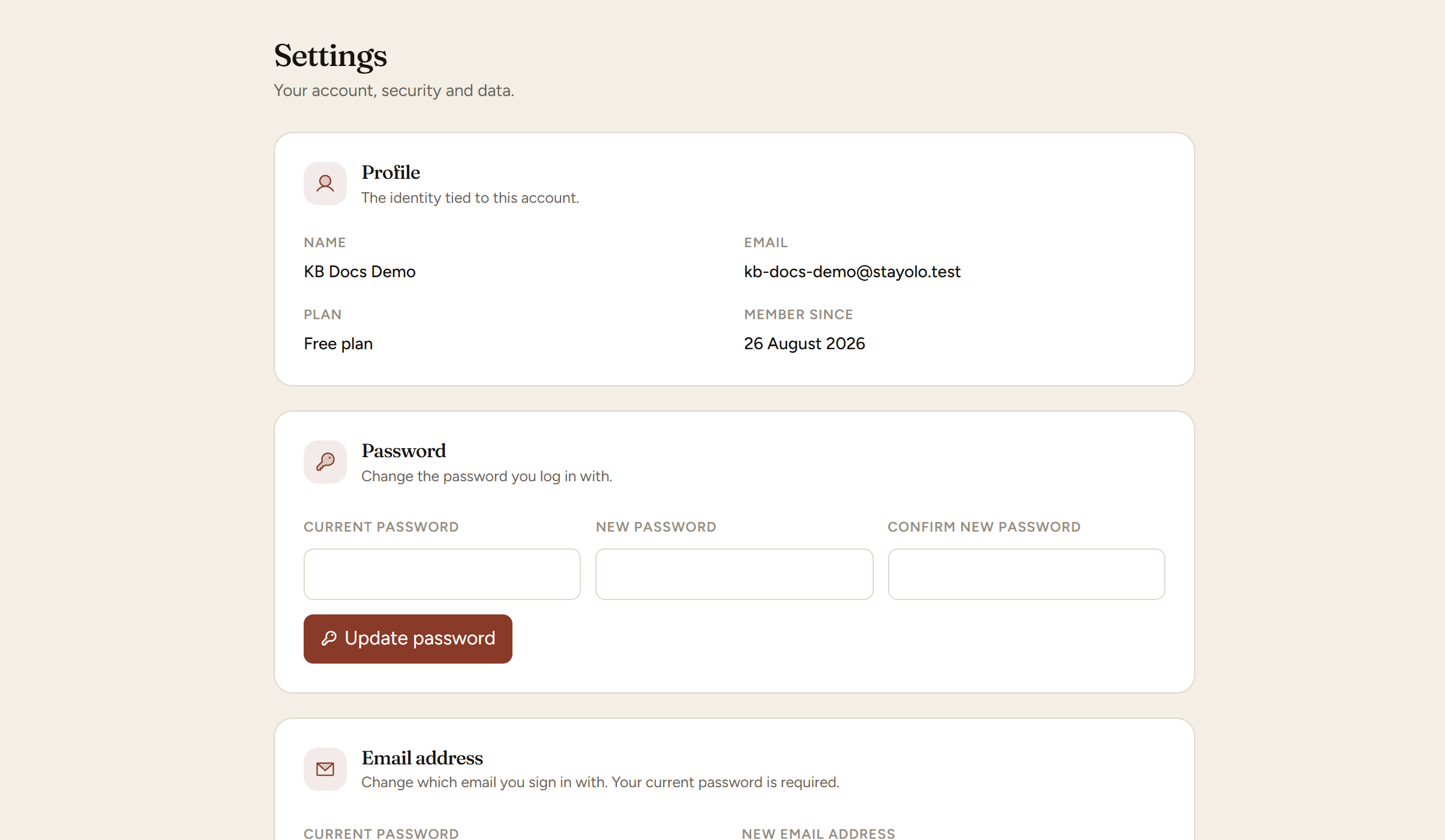
Password. Enter your current password, then the new one twice. Minimum eight characters.
Email address. Enter your current password and the new address. This is the address password resets and booking notifications go to, so mistyping it matters more than most fields. Check it before you save.
If you cannot log in at all, use the forgot password link on the sign-in page instead. We email a single-use link that expires after an hour, and you set a new password from there.
Two habits worth having, because this account controls a website that takes money:
Use a password you use nowhere else. A password manager is the only realistic way. The usual way a small business account is compromised is not a clever attack; it is a password reused from a site that was breached years ago.
Keep the address reachable. Password resets and anything urgent go there. An address you have stopped reading is a lockout waiting to happen.
Any email we send that could change something uses a single-use link that expires. If one arrives that you did not ask for, someone has your address and is guessing — ignore it, and tell us if it keeps happening.
Last reviewed 2026-08-26