How do I get my first site live?
Your Overview page carries a checklist called Get your first direct booking, and it tracks five steps. You can do them in any order; the site goes live when all five are done.
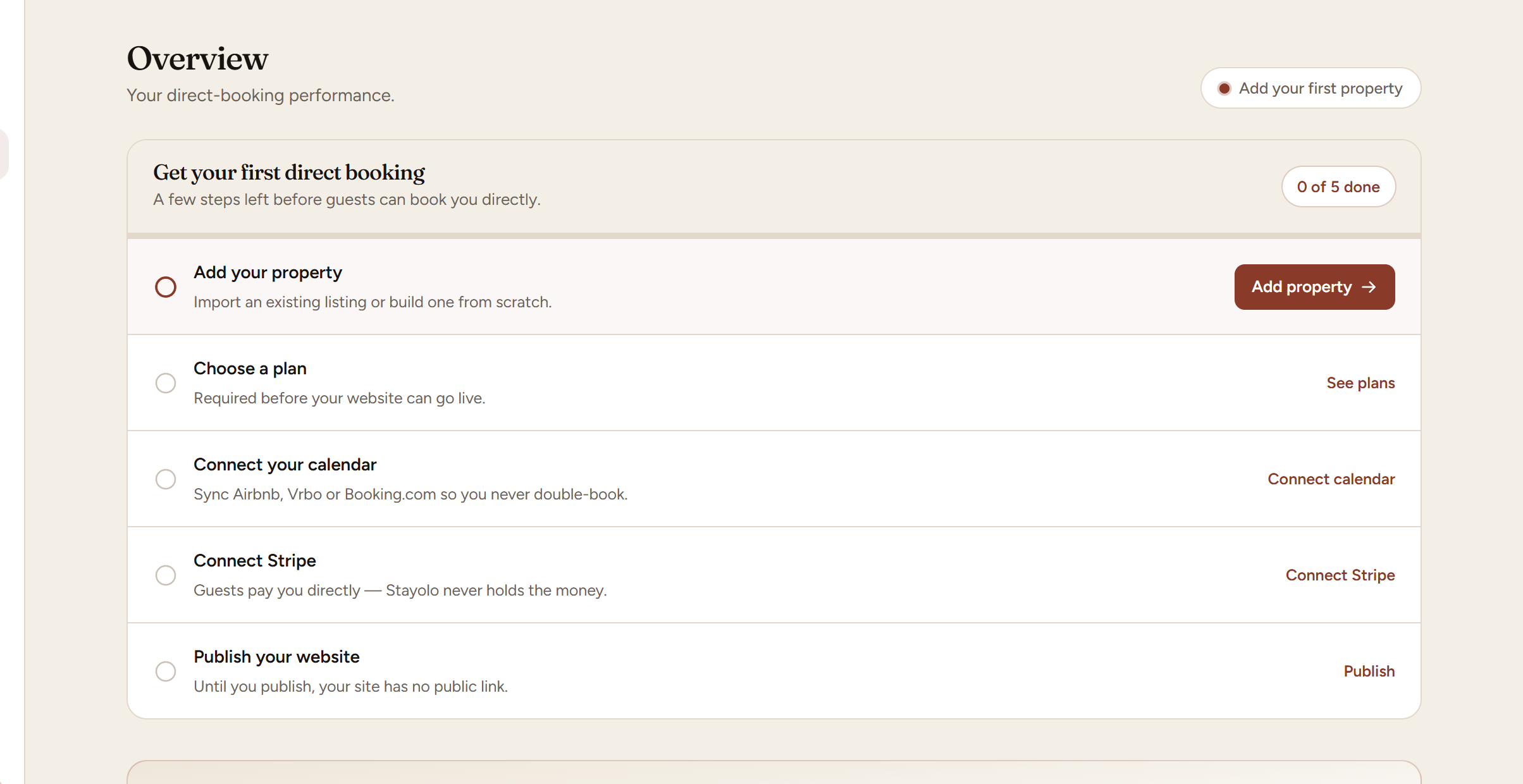
Add your property. Paste your Airbnb, Vrbo, Booking.com, Houfy, Holidu, Landfolk or Plum Guide link and we pull across your title, description, photos, amenities and house rules — or build one from scratch. Then fill in what the import could not reach. Your host name is the important one: we will not publish a page that still says "Your host".
Choose a plan. A free account can build a site but not put it in front of guests. Starter publishes a property page that takes enquiries; Direct adds the checkout, so guests book and pay without emailing you first.
Connect your calendar. Add the iCal link from every platform you are still listed on. This is what stops two guests booking the same week. The link has to sync successfully at least once — adding it is not enough on its own.
Connect Stripe. Guests pay you directly into your own Stripe account; we never hold your money. Stripe will ask for bank details and some identity documents, and it holds funds until that check is finished.
Publish your website. If the button refuses, it names exactly which of the above is missing rather than failing quietly.
Calendar and Stripe are required before publishing on the Direct plan, because that plan takes real money against real dates. A Starter site publishes without them.
One thing worth knowing up front: publishing does not remove your listing anywhere else. Your Airbnb listing keeps running, your calendar keeps both in step, and every direct booking is simply one you did not pay commission on.
Last reviewed 2026-08-26